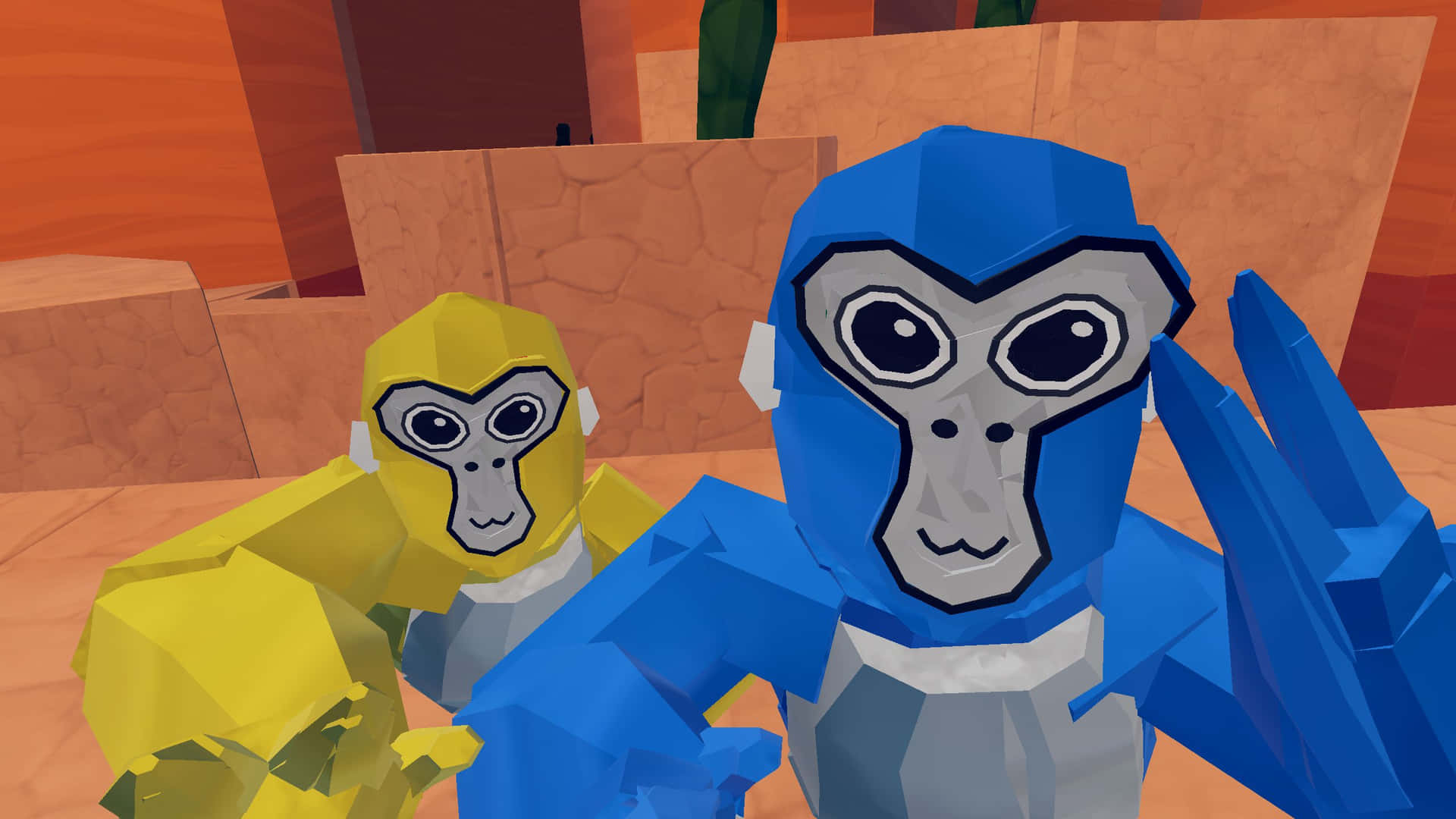
Download Soundboard For Gorilla Tag
Play and download soundboard for Gorilla Tag for free. Discover Look Behind You Gorilla Tag, Gorilla Tag Footstep Concrete, and gorilla tag look behind you and more. Browse these Gorilla Tag sounds and save your favorite sound buttons for later.
Sound EFFECTS
Discover all
Best gorilla tag soundboard
How to use soundboard on Gorilla Tag
Gorilla Tag, a popular virtual reality game, offers an immersive experience that can be further enhanced by using soundboards. This article will guide you through the process of setting up a soundboard for Gorilla Tag using Soundpad and Soundboardly.
Intended Purpose 🎮: The tutorial emphasizes using soundboards for light-hearted and funny purposes, with no association with illegal mods or cheating.
Preferred Soundboard 🎵: Soundpad is the preferred soundboard for Gorilla Tag on Oculus Quest due to its high quality and best overall sound.
Pro Version Recommended 💰: Buying the pro version of the soundboard is recommended as it offers better quality and allows for more than 10 sounds to be added.
Adjusting Settings 🎵: Adjusting the voice volume and playback device settings can enhance the soundboard experience in Gorilla Tag.
Ease of Gameplay 🎮: Using a soundboard on Gorilla Tag can make gameplay easier and more convenient by allowing players to bind sounds to a single button press on their Oculus controllers.
Customization with Keybinding 🔊: By using keybinding and a soundboard, players can customize their experience in Gorilla Tag by adding unique sound effects to their actions.
Content Creation Challenges 🎮: The YouTuber had to refilm the gameplay footage multiple times due to the Christmas update disappearing, highlighting the challenges of creating content in a constantly changing environment.
Setting up a soundboard for Gorilla Tag using Soundpad and Soundboardly can add a new dimension to your gameplay. By following the insights provided, you can enjoy a customized and enhanced gaming experience. Whether you're looking to add humor or unique sound effects, these tools offer a fun way to engage with the game.
How to make a soundboard
A Simple Guide
Create Your Account: Sign up with Soundboardly. It's quick and free!
Upload Your Sounds: Got a sound you love? Upload it! All the sounds you upload will be added to your personal soundboard. No confusion, just pure organization.
Navigate to Your Profile: Want to see all your sounds? Click on your profile in the top navigation. It's all there, right where you need it.
Stylize Your Profile: Edit your cover image and profile picture to give your soundboard that personal touch. It's all about the styles, right?
Share and Get Clicks: Ready to show off your soundboard? Share it far and wide. Get those clicks and watch your soundboard's popularity grow.